8 Governance Controls to Turn on Before a Grok Bot Touches Your Portfolio Company’s Deal Data


Copilot Meeting Recording: 4 Privilege Risks for Law Firms
August 26, 2026
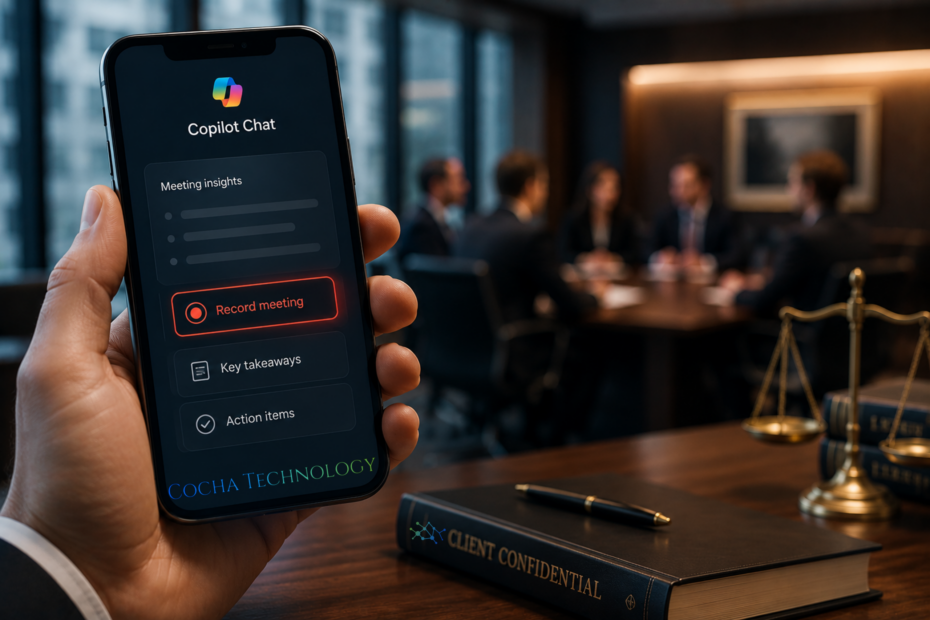
Microsoft’s Copilot mobile app is getting a Record feature. Point your phone at a conversation, or just let it run during a meeting, and Copilot Chat hands you back a transcript and a summary when you’re done. It’s been in Frontier preview since late July, with general availability rolling out worldwide through late August and into September. Handy for a lot of jobs. For a law firm, Copilot meeting recording lands right on top of one of the oldest, most fiercely guarded protections in the profession.
I don’t think this one’s getting enough attention yet, honestly, probably because it looks like a small mobile feature rather than a firm wide policy event. It isn’t small.
What's Actually Rolling Out
Users with a Microsoft 365 Copilot license will see a new Record option in the plus menu of the Copilot Chat prompt box, sitting next to the usual attachment options like photos and files. Tap it, and Copilot captures the conversation or voice note, stores the audio in the user’s OneDrive, and generates a transcript and AI summary that lands in Copilot Chat afterward. It inherits whatever Purview governance rules your firm already has set up around OneDrive.
That last part sounds reassuring. It is, somewhat. But Purview governs where data sits and who can access it after the fact. It doesn’t decide whether that data should have been captured in the first place, and it definitely doesn’t ask the person on the other end of the conversation whether they consented to being recorded.
This rollout also lands inside a bigger shift. Microsoft’s Copilot tenant is becoming a multi-model environment, routing between Claude, GPT-5, and Gemini depending on the task. Every one of those models could, in theory, touch a recorded client conversation. That’s a lot of surface area for a feature that showed up in a mobile app update.
Why Copilot Meeting Recording Is a Privilege Problem, Not Just a Privacy One
Privacy and privilege get lumped together a lot, and they’re not the same thing. Privacy is about who can see the data. Privilege is about whether the communication stays protected from disclosure at all, including in litigation. Lose privilege and it doesn’t matter how tight your access controls are. The conversation is discoverable.
Attorney client privilege depends partly on the communication staying confidential and being treated as confidential by the people involved. A recording that gets transcribed, summarized by an AI model, and stored in a cloud tenant introduces a third party into that chain, even if the third party is your own firm’s Microsoft tenant. Courts have been skeptical of AI note taking tools for exactly this reason. Copilot meeting recording, rolling out by default availability to anyone with the right license, multiplies the chances this happens without anyone deciding it should.
Four Privilege Risks to Address Before It Reaches Your Firm
Risk 1: Recording Without Informed Consent
An associate walks into a client meeting, Copilot is already recording on their phone from a prior habit, and nobody in the room agreed to it. Federal law allows one party consent in most cases, but legal ethics guidance sets a higher bar than the wiretap statute does. Bar associations have already said lawyers need client consent before recording, even in one party consent states.
Risk 2: Jurisdictional Consent Gaps
Some states require all party consent to record a conversation. A firm operating across state lines, or meeting a client who’s traveling, can trip a two party consent requirement without realizing it. A single firm wide Copilot governance policy needs to account for the strictest jurisdiction your lawyers touch, not just the one where the office sits.
Risk 3: Vendor Data Handling and Model Training
Where does the audio go once it leaves OneDrive for transcription and summarization. Which model touches it. Is any of it retained or used to improve Microsoft’s models. These are the same vendor due diligence questions firms are learning to ask about legal AI tools generally, and Copilot meeting recording deserves the same scrutiny, not a pass because it’s “just Microsoft.”
Risk 4: Sprawl Across a Multi Model Tenant
Once a recording exists, it can get pulled into other Copilot workflows, summarized again, referenced by an agent, surfaced in a search a colleague runs later. The more models touching the tenant, the harder it gets to trace where a privileged recording actually traveled. That’s not a hypothetical. It’s the direct consequence of the multi model routing Microsoft has already built.
How This Is Different From the AI Notetakers Already in Your Meetings
Plenty of firms already have some AI notetaker in the mix. Zoom’s AI Companion, Teams transcription, maybe an Otter.ai license someone signed up for without asking IT. So why does Copilot meeting recording deserve its own policy conversation instead of getting folded into whatever notetaker rules already exist?
Two reasons. First, it’s mobile and in person by design. Most existing notetakers cover scheduled video calls, where at least there’s a calendar invite and a visible bot in the room signaling that recording might happen. Copilot’s Record feature works on an in person conversation with a tap, no visible indicator required, no calendar trail. Second, it ships at the individual license level. IT didn’t provision it deliberately the way a firm might roll out a sanctioned Zoom AI Companion license. It just shows up in the plus menu for anyone with Copilot access, which means the firm’s existing notetaker policy almost certainly doesn’t mention it by name and probably doesn’t cover the scenario at all.
Copilot meeting recording sits in a gap between “tool the firm chose and governs” and “tool an individual discovered and started using.” That gap is exactly where privilege problems tend to happen.
What the Ethics Opinions Already Say
Bar guidance on this isn’t hypothetical anymore either. The New York City Bar’s Formal Opinion 2025-6 already addressed AI note taking directly, and the consistent theme is that lawyers need informed consent before recording, need to document that consent, and need to evaluate the AI vendor’s data handling before trusting it with a client conversation. That includes checking where audio is stored, who can access it, whether it trains outside models, and whether the vendor could be compelled to produce it under legal process.
None of that guidance singles out Copilot by name, obviously, since it’s written broadly enough to cover any AI note taking tool. But Copilot meeting recording checks every box those opinions were worried about default availability, cloud storage, AI processing, and a license structure that puts it in reach of every lawyer at the firm without a separate approval step.
Building a Copilot Governance Policy This Month
GA is rolling out now, not next quarter. That’s the honest urgency here. A firm that waits until an associate accidentally records a settlement negotiation is going to be writing this policy under much worse circumstances than a firm that writes it this week.
Start with a firm wide default: Record off unless affirmatively turned on for a specific, consented to purpose. Build a consent script into client intake and engagement letters, one that covers AI recording specifically rather than assuming old consent language covers it. Map which jurisdictions your matters touch and set the policy to the strictest one. And loop in IT to configure Purview retention and access rules around anything that does get recorded, so a policy exception doesn’t become a permanent data trail nobody’s watching.
One more thing worth saying plainly: don’t just ban Copilot meeting recording and call it handled. A blanket ban without a technical control behind it just means the feature keeps working on everyone’s phone while the firm pretends it doesn’t. Pair the policy with an actual configuration change, not just a memo nobody reads.
Where Cocha Technology Fits In
This is squarely a Microsoft 365 governance question, and it’s the kind of gap that shows up in an exposure review long before it shows up in a malpractice claim, which is the better time to find it.
Our Microsoft 365 Copilot governance guide for law firms walks through the broader governance model firms need around Copilot, recording included. If your firm is still building out its Copilot adoption strategy more generally, our guide to Microsoft Copilot adoption for law firms is a solid next read.
On the technical side, our overview of AI security controls for Microsoft 365 Copilot deployment covers the Purview and access control configuration that should sit underneath any Copilot governance policy, recording feature or not.
If you want a clear picture of where your firm’s Microsoft 365 environment actually stands right now, including how a feature like this one would behave inside your current setup, our Microsoft 365 Data Exposure Snapshot is the fastest way to find out. Better to see the gap on a report than in a discovery request.
Recent Posts
Have Any Question?
Call or email Cocha. We can help with your cybersecurity needs!
- (281) 607-0616
- info@cochatechnology.com
About the Author:

Steve Combs
Co-Founder & Managing Director, Cocha Technology
Steven is a fractional CIO/CISO with 30+ years of enterprise IT and security leadership. He has built AI governance frameworks for organizations with 1,700+ users, led enterprise Microsoft Copilot deployments, and conducted security assessments across law firms, energy companies, financial institutions, and PE-backed manufacturers.